
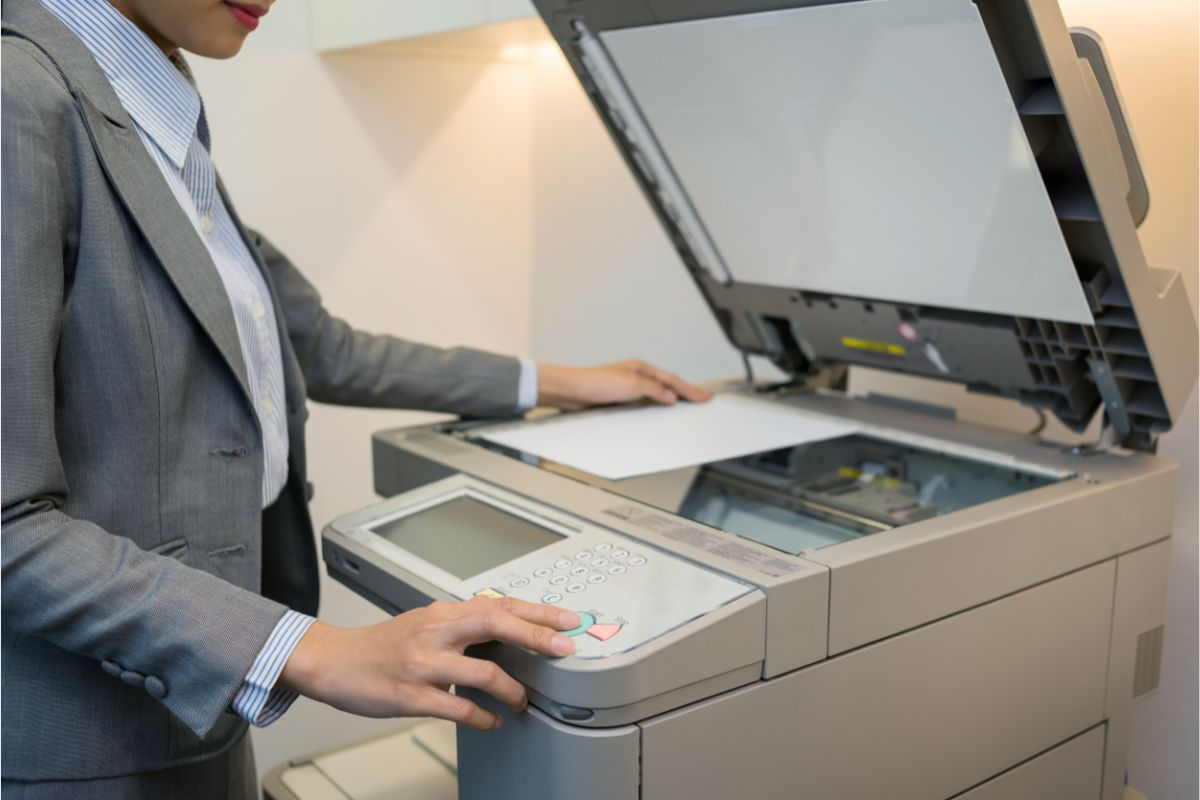
In the fast-paced world of modern business, efficiency and cost-effectiveness are top priorities. Among the many tools that keep an office running smoothly, the black and white photocopy machine remains one of the most indispensable. While color printers and multifunction devices have their place, monochrome photocopiers continue to be the backbone of everyday document handling — from printing reports and invoices to duplicating contracts and internal memos.
If you’re setting up a new office or upgrading your current equipment, this guide will walk you through everything you need to know about black and white photocopy machines, including their benefits, key features, buying considerations, and maintenance tips.
🖨️ Why Choose a Black and White Photocopy Machine?
Though color printers may seem appealing, black and white copiers have several significant advantages that make them ideal for most office environments:
- Cost-Effective Printing
Monochrome copiers use only black toner, which is significantly cheaper than color toner cartridges. This results in a much lower cost per page, saving businesses money in the long run. - Faster Printing Speeds
Black and white copiers are generally faster than color machines. They can handle high-volume printing and copying without compromising speed — a crucial factor for busy offices. - Simpler Maintenance
With fewer components and no need to manage multiple toner colors, maintenance is easier and less frequent. This means less downtime and lower service costs. - Professional and Clear Output
For most business documents — such as contracts, invoices, letters, and reports — color isn’t necessary. Black and white output looks professional and sharp, ensuring readability and a polished appearance. - Durability and Longevity
Monochrome photocopiers are built for heavy-duty use. They tend to last longer than color machines, even with consistent high-volume printing.
🔧 Key Features to Look for in a Black and White Photocopy Machine
When choosing a photocopier for your office, consider the following essential features to match your needs and budget:
- Print and Copy Speed (PPM)
- Look for machines that offer 25–60 pages per minute (PPM) for standard office tasks.
- High-speed models (70+ PPM) are ideal for larger offices with heavy daily printing demands.
- Paper Capacity and Size Options
- A standard tray should hold at least 250–500 sheets.
- If you regularly print legal or A3 documents, choose a machine that supports multiple paper sizes.
- Automatic Document Feeder (ADF)
- An ADF allows multiple pages to be scanned or copied automatically, saving time and manual effort.
- Duplex Printing (Double-Sided Printing)
- Essential for reducing paper usage and creating professional-looking documents.
- Connectivity Options
- Look for machines with Wi-Fi, USB, Ethernet, and mobile printing support to integrate seamlessly into your office network.
- Security Features
- Advanced models include user authentication, data encryption, and secure print release, which are crucial for businesses handling sensitive documents.
- Multifunction Capabilities(Optional)
- Many modern black and white copiers are multifunction printers (MFPs), offering scanning, faxing, and emailing capabilities in one device.
🏢 Top Use Cases in Office Settings
Black and white photocopy machines are versatile and can be used for a wide range of office tasks, such as:
- Printing contracts, proposals, and business correspondence
- Copying invoices, bills, and receipts
- Duplicating internal training materials and reports
- Scanning and archiving important documents
- Bulk printing manuals, newsletters, and memos
💡 Tips for Maintaining Your Photocopy Machine
To ensure longevity and consistent performance, follow these best practices:
Avoid overloading paper trays and always use compatible paper types.
Use high-quality toner recommended by the manufacturer to prevent clogs and print issues.
Clean the scanner glass and rollers regularly to avoid smudges and paper jams.
Update firmware periodically to improve performance and security.
Schedule regular servicing if you handle large printing volumes.