
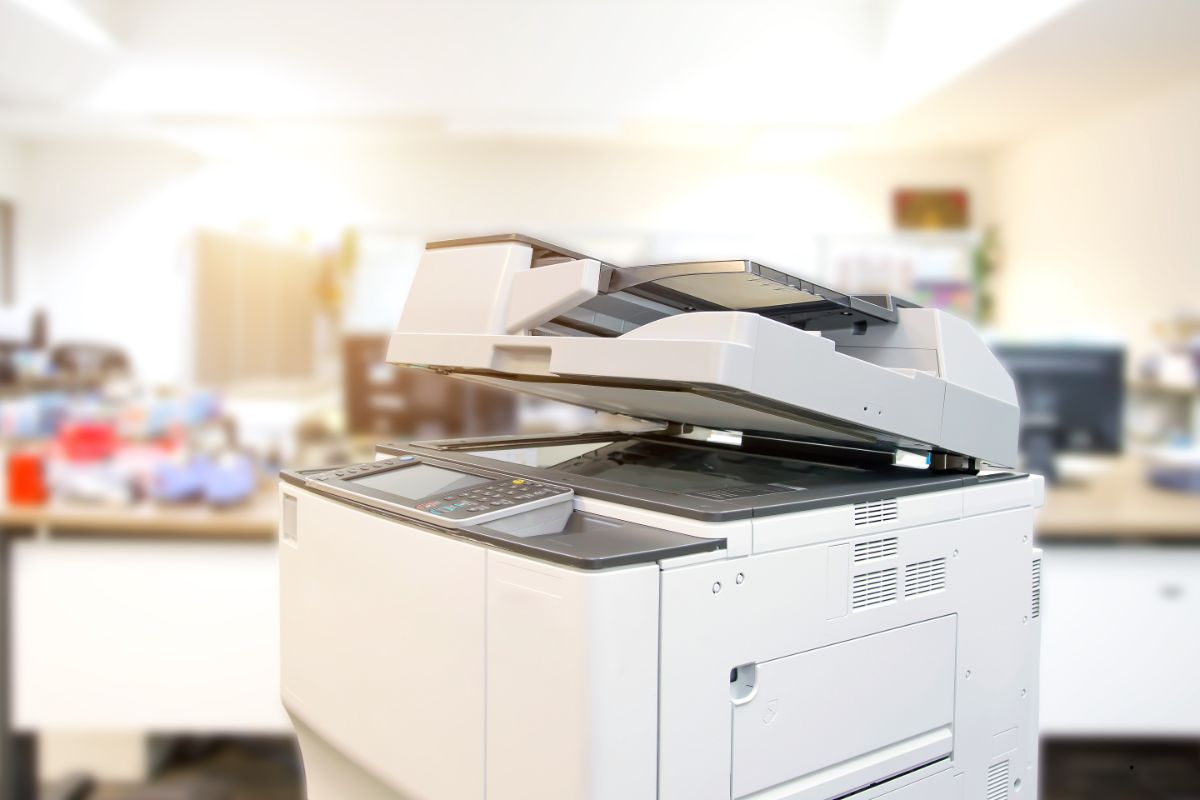
Black and white (mono) photocopiers remain workhorses for many small and mid-sized businesses: cheaper consumables, sharper text & line work, faster print on many models, and simpler maintenance. Xerox offers a wide range of machines tailored to different volumes, features and work environments. Below we examine what to consider and some of the best Xerox models currently available.
What to Consider Before You Buy
Before picking a photocopier, evaluate:
| Factor | Why It Matters |
|---|---|
| Print Speed (ppm) | Affects how fast you can produce copies. Higher speeds needed for busy offices. |
| Duty Cycle / Monthly Volume | Ensures the machine can handle your workload without degrading quickly. |
| Paper Handling (input trays, duplexing, A3 vs A4) | For flexibility: ability to load large trays, support double-sided printing, larger sizes if needed. |
| Scan / Copy / Fax / Multifunction Features | Multifunction machines save space and cost versus separate devices. |
| Connectivity | Ethernet, Wi-Fi, mobile integration, cloud features are increasingly essential. |
| Security & Workflow Features | Features like secure print, user authentication, workflows (scan-to-folder, cloud) matter, especially as documents become digital. |
| Running Costs | Toner cost, drum/roller replacement, energy consumption. Lower cost per page is important. |
| Footprint / Noise | Physical space and noise levels matter in small offices / co-working spaces. |
Top Xerox Models & Their Strengths
Here are several Xerox monochrome models that are well-suited for small to mid-sized businesses, with what makes them stand out, and where they might be less ideal.
| Model | Highlights / Advantages | Best For | Considerations / Trade-offs |
|---|---|---|---|
| Xerox B215 Mono All-in-One | ~30 ppm; print, scan, copy, fax; compact; low running cost; includes Wi-Fi / Wi-Fi Direct etc. TechRadar | Small offices, or a busy home office; light to moderate monthly print volumes. | Print resolution is modest (600×600 dpi for printing); startup cost for higher features; scan speed/capacity limited. TechRadar |
| Xerox B305 Mono MFP | ~40 ppm, ADF (automatic document feeder), good for higher monthly volumes, includes duplex printing. Xerox+1 | Offices needing more capacity but still wanting a compact footprint. | Initial cost higher; running cost R&D/maintenance more than entry level; larger size. |
| Xerox B315 | Slightly better speed/capacity; single-pass DADF which helps for scanning multi-page documents. Xerox+1 | Mid-sized small business with more regular scanning / copying demands. | Larger size again; possibly more expensive consumables; may be overkill for very low usage. |
| Xerox VersaLink B415 | Up to ~47 ppm; strong paper capacity; built-in ConnectKey platform (for workflows, mobile, security) office.xerox.com+2Xerox+2 | Busy offices with many users, where speed, capacity and features matter. | Higher investment; more moving parts → maintenance; power draw and footprint are larger. |
| Xerox VersaLink B625 | Very high speed (~61 ppm), large monthly duty cycles (up to ~30,000 pages per month) Xerox+2Xerox+2 | Larger small/mid offices, or offices with high print demand (e.g. legal, accounting, logistics). | High cost; extra power / cooling; overkill if usage is lower; may require more space. |
Pros & Cons of Xerox Monochrome Copiers (in this Segment)
Pros:
- Reliable performance, especially for text-based work or document printing
- Lower toner and consumable costs compared to color machines
- Faster at text print in many cases
- Wide feature sets including secure printing, cloud / mobile options, strong networking support
- Good range from entry-level to high speed so you can scale as needed
Cons:
- Initial cost can be high for upper-end models
- Some models may be bulky or noisy
- Consumable / maintenance cost and downtime matter more when print volume is high
- For graphics or color needs, monochrome won’t suffice
- Xerox service/support availability and parts in certain regions may be issues (depends on locality)
Which Model for Which Scenario?
Here are some example “what to choose if …” scenarios:
- If your business prints only occasionally (say <5,000 pages/month), mostly text documents, with occasional scan/copy: go for something like the B215 or B225/B235. Good balance of cost vs capability.
- If you have a medium volume user base (~10-20 people), printing frequently (say 10,000-20,000 pages/month), scanning/copying too: B305 / B315 is better suited.
- If your print demand is heavy (legal firms, accounting, multi-branch, multi-shift), need large capacity trays or frequent print jobs: the VersaLink B415 or B625.
Tips to Maximise Value
- Estimate true workload: monitor how many pages you’re printing now (and expected growth). Don’t under-spec.
- Use original toners if possible (or good aftermarket ones) to avoid damage.
- Regular maintenance: cleaning, replacing parts like rollers/fusers timely, keep firmware updated.
- Monitor cost per page: toner, paper, energy. Sometimes a slower machine with lower per-page cost is better.
- Security workflows: enable features like user-authentication, secure print release, encryption, scan to folder with access controls.
- Think about space & power: make sure the copier fits, has ventilation, and adequate power supply.
Local Considerations (India / Your City etc.)
Connectivity & networking: if many users, check support for Wi-Fi, ethernet, mobile printing; cloud features may depend on internet quality.
Availability of service & parts: Ensure Xerox (or authorized distributor) support is good in your area.
Electricity costs / stability: machines with stable power handling / surge protection are better.
Consumable costs (toner, drums etc.) in Indian market may vary – check import duty, local pricing.
Paper sizes you use (A4 mostly, but if you need A3 etc.) – many Xerox mono machines are A4; fewer support A3 (bigger size) in the lower end.